01Know what you need before the demo
Write down your stages, who does what, and the three things that go wrong most often. Maybe callbacks slip. Maybe crews show up with wrong material. Maybe insurance supplements get lost. Your CRM should fix your real problems, not show off features you will never use.
Bring that list to every demo and ask the salesperson to show your process, start to finish, with your stages. If they keep steering back to their slide deck, that tells you something.
02Lead capture and speed to lead
A CRM is only as good as the leads inside it. Check that your website forms, call tracking, Facebook lead forms and lead vendors can drop straight in without retyping. Ask about webhooks, Zapier, or native integrations, and test one live during the trial.
Look for instant alerts to the right person and a clear view of new, uncalled leads. Speed matters, because homeowners often call more than one roofer.
- Web form and webhook intake
- Call tracking connection
- Lead source field kept on every record
- Instant text or app alert
- Duplicate detection
03Follow-up that actually happens
Most roofing sales are won in follow-up. The CRM should make the next task obvious and remind people when it is due. Automatic texts and emails can help, but only if they sound human and respect opt-outs.
Ask how reminders work on a phone. Your salespeople live in their trucks, not at a desk.
04Photos, documents and the job file
Roofing is visual. Inspection photos, measurements, signed agreements and insurance paperwork should all live on the job record. Check how easy it is to snap and tag photos in the field and whether files stay attached when a lead becomes a job.
Some CRMs include their own photo tools; others connect to photo apps your crew may already use. Either can work. Just make sure there is one place to look.
05Estimates, measurements and insurance work
Many roofing CRMs connect to aerial measurement reports and have estimate or proposal tools. If you do insurance restoration, ask how the system handles claim numbers, adjuster contacts and supplements. If you do retail, ask about good-better-best options and financing links.
Do not assume an integration exists because a logo is on a website. Ask to see it working with a real account.
06True cost, not the headline price
Many roofing CRMs do not post full pricing. Some price per user, some by package, some add setup, onboarding, training or add-on fees. Ask for a written quote for your real number of office users, salespeople and crew leads, for year one and year two.
Ask about contract length, cancellation, and what happens to your data when you leave. You want a full export of contacts, jobs, photos and documents in a usable format.
- Per-user price for each role
- Setup and training fees
- Add-ons you will actually need
- Contract term and cancellation
- Data export on exit
07Adoption beats features
The most powerful CRM in the world is useless if your team keeps texting leads to each other instead. Involve your office manager and best salesperson in the trial. Ask them which tool they would actually use.
Plan a simple rollout: import open leads, set stages, train for one hour, and require that every new lead goes in the system from day one. Review the board together every morning for the first month.
08How to run a fair two-week trial
Most roofing CRM vendors offer a demo, and many offer a trial or a pilot. Use it like a real test, not a tour. Before the trial starts, write three real scenarios from your business: a retail repair lead that comes in from your website, an insurance storm lead that needs an inspection and a claim number, and a sold job that must be handed to production.
Run all three through each system with your own people. Time how long it takes to enter the lead, set the inspection, attach photos and move the job forward. Ask your office manager to pull a report showing leads by source and jobs won. Write down every moment someone got stuck or had to ask for help.
At the end, compare your notes side by side using the scorecard. The system that felt fastest and clearest to your team usually wins, even if another one had a longer feature list.
09Questions to ask every vendor
Ask how many roofing companies of your size and type use the system, and whether you can talk to one of them. Ask how long a normal setup takes and who does the data import. Ask what support looks like: phone, chat, email, hours and response times. Ask what happens during storm season when support gets busy.
Ask what is included in the price and what costs extra. Ask about the contract length, auto-renewal and how to cancel. Ask for a sample data export so you know exactly what you would get if you ever left. Ask which integrations are native and tested today, and which are planned. Get the important answers in writing.
Finally, ask the vendor what kind of roofing company is not a good fit for their product. An honest answer is a good sign.
10Moving from spreadsheets to a CRM without chaos
Pick a start date and stick to it. Import only open leads and active jobs; archive the rest in a spreadsheet you can search if needed. Set up your stages and users before go-live, train everyone for an hour, and run a short stand-up each morning for the first two weeks to answer questions.
Keep the old spreadsheet read-only so no one keeps working there. Within a month, the new system will be the habit, and you will wonder how you ran the company without it.
11Signs you have outgrown your current setup
You probably need a CRM, or a better one, when leads go uncalled because no one knew they came in, when two salespeople call the same homeowner, when you cannot answer how many leads came from each source last month, or when production keeps calling sales to ask basic job details.
Another sign is owner dependence. If you are the only person who knows where every job stands, the business stops when you take a day off. A good system puts that knowledge where the whole team can see it.
If none of these sound familiar, your current setup may be fine for now. Do not buy software just because a competitor did.
12What to do in the first 90 days after you buy
In month one, focus on adoption: every lead in the system, every stage updated daily. In month two, turn on the reports you actually need, like leads by source and close rate by salesperson, and review them weekly. In month three, add one or two automations that save real time, such as a reminder before an inspection or a follow-up after an estimate.
Hold off on complex custom setups until the basics are a habit. A clean, simple system that everyone uses will tell you far more than a complex one nobody trusts.
13Keep your lead sources connected
Every lead source you use, from your website and call tracking to rented territories and lead vendors, should feed the CRM automatically. Retyping leads causes delays and errors and breaks your source reporting. During setup, list every source, decide how each one connects, and send a test lead from each before go-live. Check monthly that every source is still flowing, because form changes and expired connections quietly stop leads. A short connection check protects every dollar you spend on marketing.
14Roofing-specific CRM or general field-service software?
Roofing-specific CRMs are built around how roofers work: inspections, measurements, insurance claims, material orders and production stages. They often connect to aerial measurement providers and roofing suppliers. The trade-off can be price and a learning curve for features you may not need.
General field-service and home-service platforms cover many trades. They can be strong on scheduling, dispatch, invoicing and payments, and some are less expensive or simpler. The trade-off is that roofing-specific workflows, like insurance supplements or roof measurements, may need workarounds or add-ons.
General sales CRMs are flexible and powerful for pipelines and follow-up but usually need more setup to fit roofing. Some roofers pair a general CRM with separate tools for photos and measurements.
Choose based on your mix of work. Heavy insurance restoration often benefits from roofing-specific tools. Retail repair and replacement shops may be well served by simpler platforms. Commercial roofers may care most about bids, documents and project tracking. Score each type on your real scenarios before you decide.
15Software organizes leads. It does not create them.
A CRM can stop you from losing leads, which is valuable. But if your phone does not ring enough, a better pipeline view will not fix it. Run the calculator below to see your software spend next to the cost and possible return of a rented territory.
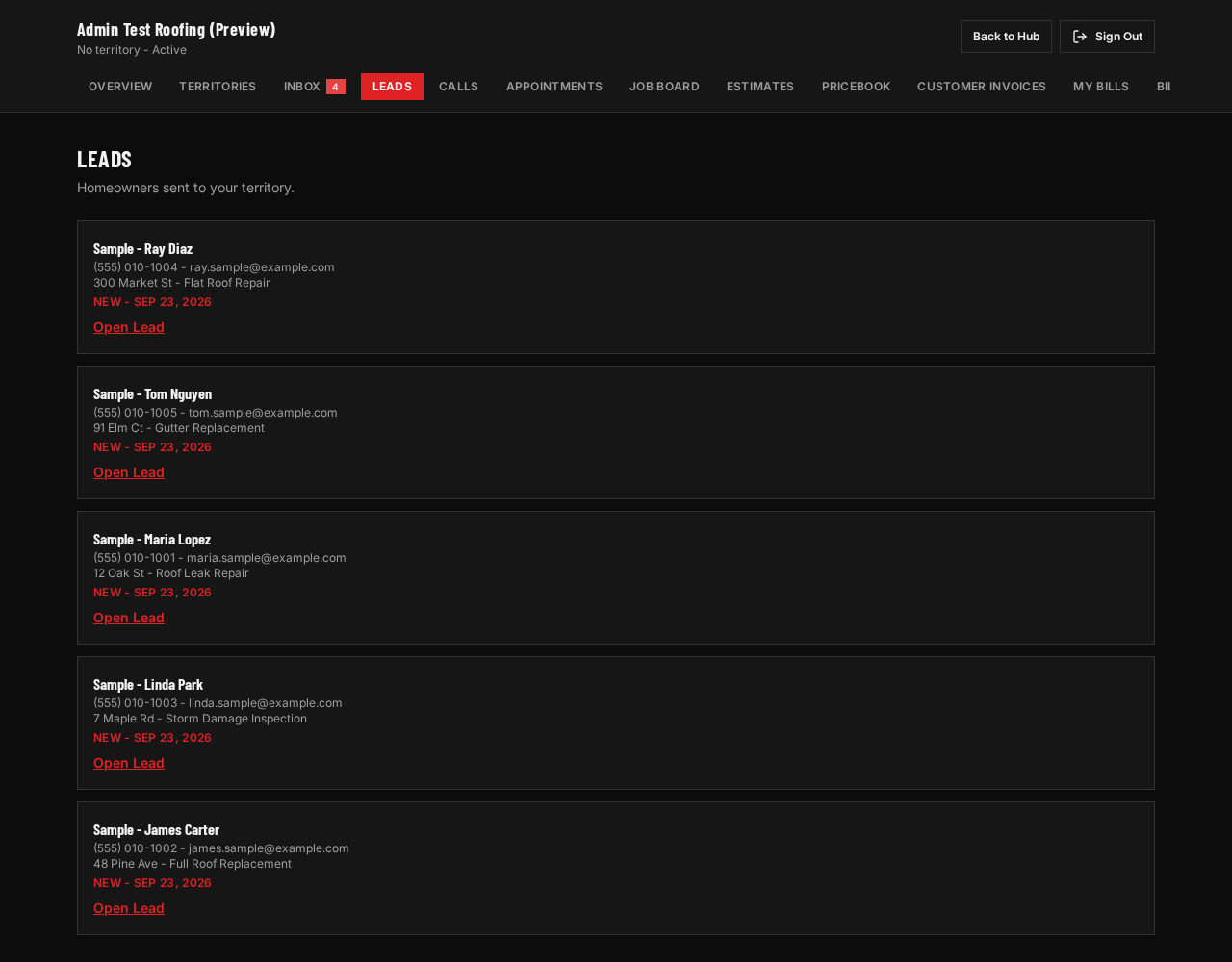
When you rent a territory from us, calls and forms from that local site go to you, with the source recorded, and can be delivered into your CRM by native connection where built, webhook, Zapier, email or text. You keep the CRM you chose.