
Capture and Delivery
Roofing Appointment Booking
Roofing appointment booking on a Rent Roofing Sites property lets a homeowner pick a real open time for an inspection or estimate, directly from the assigned roofer's own calendar, instead of just leaving a message and waiting for a callback. The booking only shows times that are actually free right now, because the page checks the live calendar before it ever displays a choice.
This is a narrow feature with a specific job: turning a homeowner's request for "someone to come look at my roof" into a reserved slot on a real calendar, for the roofer who is assigned to that ZIP and service. It is not scheduling software, not a dispatch board, and not a replacement for your crew-planning or production systems — this page is about the homeowner-facing booking step only, not your company's internal operations.
The page also exists to draw a clear line for you, as the contractor evaluating this program, between the homeowner appointment flow described here and the separate B2B conversation you'd have with Rent Roofing Sites about your own account: a Roofing Market Review. Those are two different calendars, two different audiences, and two different purposes, and keeping that distinction clear is part of how this feature is built and described.
Nothing below claims appointment booking works on a territory or calendar that hasn't been connected and verified. Where a calendar isn't connected, the honest fallback is a recorded request, not a promised slot — and whether appointment booking is part of your market's current program setup is something a Roofing Market Review confirms, not something this page assumes.
Updated 2026-10-03. Terms, prices and availability are set by the written agreement for your market.
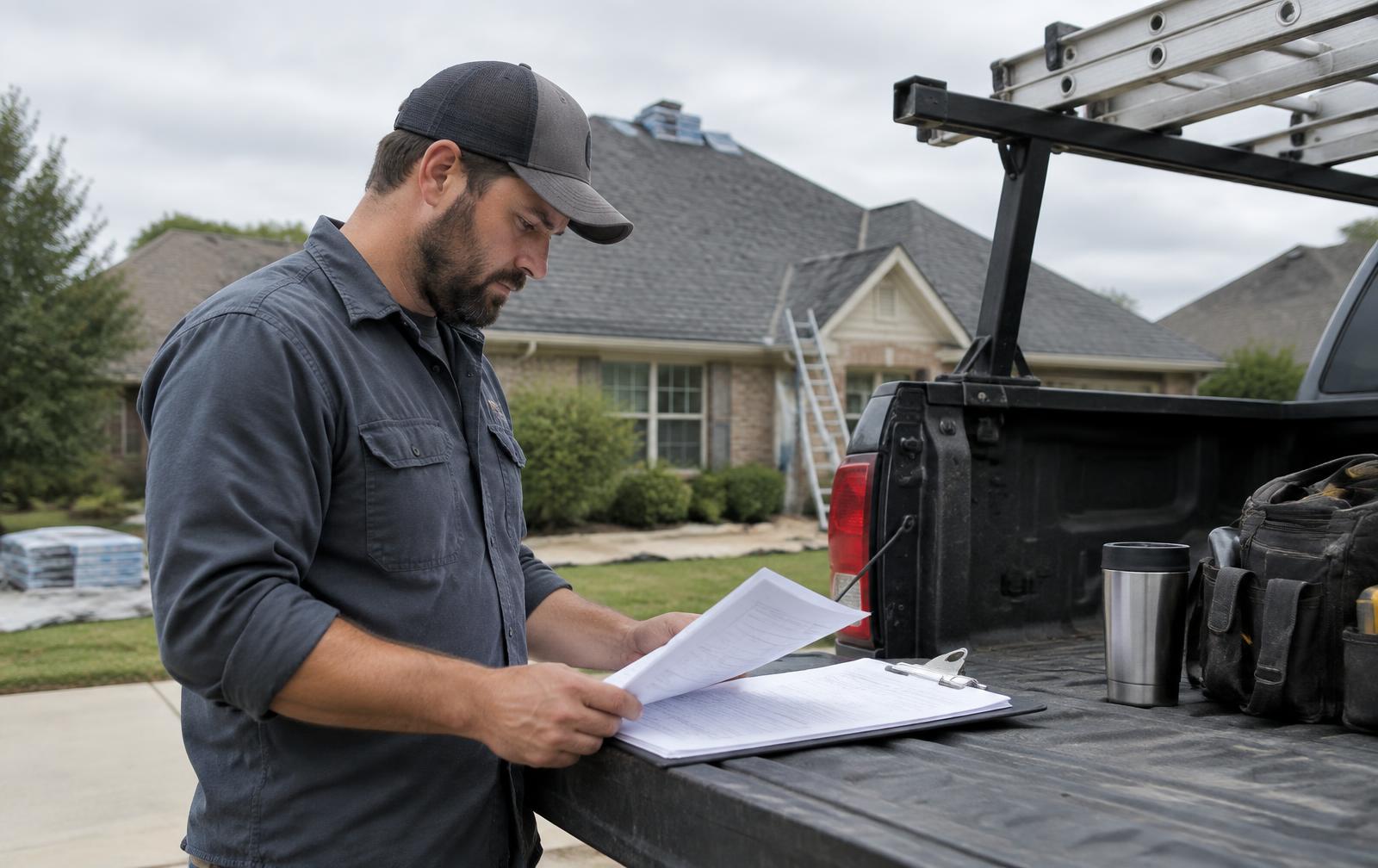
Confirming which homeowner appointments the booking feature supports
Appointment booking on a network site is built for one specific moment: a homeowner who has already described a roof problem or project and now needs a specific day and time for someone from your company to look at it in person — typically framed as an inspection or an estimate visit, not a committed repair or installation date.
It is not built, and should not be described, as a system that schedules crews, assigns production work, confirms material delivery windows, or manages any part of the job after the first visit is booked. Those functions live in your own production or project-management software, which this feature does not touch and was never intended to replace.
What "appointment" means in this context
- An inspection or estimate visit slot, reserved on the assigned roofer's own connected calendar.
- A specific date and time window, not a vague "someone will call you" commitment.
- A request tied to one ZIP and one service, matched to the roofer actually assigned to that territory.
- Not a repair appointment, not a crew dispatch, and not a guaranteed emergency response time.
Where this differs from a phone-answered request
An AI receptionist handling an inbound call can record that a homeowner wants an appointment and note their preferred day or time as a request — but a phone conversation alone does not reserve a slot, because the AI isn't checking a live calendar mid-call the way the booking page does. The distinction matters: a request is a preference captured in the lead record, while a booking is an actual reservation confirmed against real availability.
Connecting verified roofer availability and appointment rules before booking goes live
Appointment booking only shows real openings because Calendar OS, the system behind the booking page, treats one connected calendar as the single source of truth for a roofer's open times. Before a homeowner ever sees a time slot, that calendar has to be connected and verified — an unconnected or unverified calendar means the booking feature simply isn't available for that roofer yet.
- The roofer's calendar is connected (currently built around Google Calendar) and verified as live before booking is enabled.
- Appointment rules — which services are bookable, which days and hours count as working time, how long a visit takes — are set for that roofer's account.
- A live check against the connected calendar runs before any time is shown to a homeowner, so already-booked or blocked times are hidden rather than offered and then rejected.
- If no calendar is connected for a given roofer or territory, the honest fallback is a recorded appointment request, not a fabricated list of open times.
Why this is a gate, not an assumption
It would be easy to show a homeowner a generic set of time slots and sort out whether they're real afterward, but that produces double-bookings and broken promises — exactly the outcome this feature is designed to avoid. Making the connected, verified calendar a hard requirement before booking goes live is slower to set up but means every slot a homeowner sees is one your team can actually honor.
| Calendar state | What a homeowner sees |
|---|---|
| Connected and verified, times open | 3–6 real bookable choices for the ZIP and service |
| Connected and verified, fully booked window | Fewer or no choices shown for that window; booking adjusts automatically |
| Not yet connected | A recorded appointment request, not a time picker |
| Connection lost or expired | Booking pauses for that roofer until reconnected and reverified |
TEACHING DIAGRAM
Homeowner appointment booking flow (illustrative example)
- 1Request entered
Homeowner provides contact info, ZIP, service and problem description.
- 2Fit checked
ZIP matched to territory; service checked against the assigned roofer's accepted list.
- 3Live calendar check
Connected calendar queried in real time; already-filled times are hidden.
- 4Choices shown
Roughly 3–6 genuinely open times presented for that ZIP and service.
- 5Atomic reservation
Chosen slot reserved in one operation; confirmed to homeowner and written to the calendar and lead record.
Collecting the project details a visit needs before reserving a slot
Before a homeowner reaches the actual time picker, the flow collects the same kind of service and problem information that any network intake gathers — name, phone, ZIP or town, the service they need, a short description of the problem, and urgency — because a bookable slot still needs to match the right roofer, the right service, and a visit length that makes sense for the job.
- Name and phone number, for confirmation and any follow-up about the visit.
- ZIP or town, matched to the territory and the roofer assigned there.
- The service needed (inspection, estimate for repair, estimate for replacement, etc.), matched against what that roofer accepts.
- A short problem description and urgency level, which can affect which time slots or visit types are offered.
- Preferred time of day, where the homeowner has one, used to narrow (not override) what the live calendar actually shows as open.
Why incomplete details still get saved
A homeowner who starts the booking flow but doesn't finish, or who skips an optional field, still has their partial information saved as a lead rather than discarded. That mirrors how the rest of the network's intake works: leads are saved even when details are missing, so a partially completed booking attempt is still a usable record for follow-up rather than a dead end.
Service-area and service-type fit checked before a slot is offered
The booking page won't offer a slot for a service a roofer doesn't accept, or for a ZIP outside their assigned territory. If a homeowner's address or request doesn't match the roofer's accepted services and ZIPs, the flow handles that the same way general intake does — the enquiry is still captured, routed by the territory and service rules, and not forced into a booking that doesn't fit.
Handling time zones, travel limits and conflicting availability
Appointment times are shown and reserved in the business's own timezone, not assumed from the homeowner's device or browser, because a visit has to match the hours the roofer's team actually works and the time printed on their own calendar.
- Each roofer's calendar and booking rules operate on that business's configured timezone.
- Appointment windows reflect the roofer's set working days and hours, not a blanket 24/7 assumption.
- Travel buffers between visits, where configured, are reflected in which times are actually offered as open.
- The booking page typically presents three to six real choices for a given ZIP and service, not an unlimited list — narrowed to what's genuinely open and workable.
Rate limits and the atomic reservation
Because two homeowners could theoretically try to book the same slot at nearly the same moment, the reservation step is atomic: the system reserves a chosen time in a single operation, so a slot that's just been taken can't also be handed to a second person a moment later. The booking flow is also rate limited, which protects against automated or repeated submission attempts rather than genuine homeowner use.
What happens when the calendar is already full
If a roofer's calendar is tightly booked for the window a homeowner wants, the live check simply won't offer those already-filled times — the homeowner sees the next genuinely open options instead of a slot that looks available but isn't. There's no override that forces an appointment onto an already-committed time, because that would break the core promise of the feature: what's shown is what's actually free.
Sending confirmations and supporting the verified change process
Once a homeowner completes a booking, the reservation is written to the roofer's connected calendar and the lead record is updated to reflect a confirmed appointment rather than an open request — giving both the homeowner and your team a clear record of what was actually booked.
- The homeowner's chosen slot is reserved atomically against the live, connected calendar.
- The lead record is updated with the confirmed appointment details alongside the original enquiry information.
- A confirmation is provided to the homeowner reflecting the booked date and time in the business's timezone.
- Any change — a reschedule or cancellation — goes through the same connected-calendar check, so the updated state reflects reality rather than a static confirmation that could drift out of sync.
Why reschedules route through the live calendar, not a static message
A rescheduled appointment has to be checked against current openings the same way an initial booking is, because the original slot being given up and a new one being reserved are both changes to the same live calendar. Treating a reschedule as a fresh booking against real-time availability, rather than simply moving a static confirmation, keeps the calendar accurate for everyone relying on it, including your own team checking it directly.
What your team sees
The appointment appears on the calendar you've connected, using your existing tools, so there's no separate booking dashboard your team has to learn or check in addition to the calendar they already use day to day. The lead record delivered to your CRM reflects the appointment detail as part of that lead's full timeline.
Reviewing booked, cancelled and completed appointment evidence
Because every appointment is a reservation written to a real, connected calendar and reflected in the lead record, your team and Rent Roofing Sites both have the same underlying evidence to check if a question comes up about whether a booking happened, when, and what state it ended in.
- The connected calendar entry itself, showing the reserved date, time and status.
- The lead record's timeline, showing when the booking was made, by whom (homeowner self-service versus a captured request), and any later changes.
- Cancellation or reschedule events, logged as changes to the same record rather than separate, disconnected actions.
- Outcome tracking downstream — appointment held, no-show, converted to estimate or job — as part of the broader lead-attribution picture your team maintains.
A hypothetical evaluation example
Say, hypothetically, a mid-size residential roofing company assigned to a single territory gets 40 total enquiries from the network site in a month, and 18 of those go through the appointment booking flow rather than a plain call or form. Hypothetically, 14 of those 18 booked appointments are actually held, two are rescheduled once and then held, and two are no-shows. None of those figures are published averages — they're illustrative numbers meant to show what a contractor might track, using their own ZIP's actual enquiry volume and their own calendar discipline, not a result this program promises.
| Metric | Illustrative value |
|---|---|
| Total enquiries in the month | 40 (example) |
| Booked through appointment flow | 18 (example) |
| Appointments held as scheduled | 14 (example) |
| Rescheduled once, then held | 2 (example) |
| No-shows | 2 (example) |
Whether appointment booking is part of your market's current build, and what calendar-connection work it would take to turn it on for your team, is exactly what a Roofing Market Review is for. Program availability, like every specialty feature in this network, is reviewed per market and is never assumed or guaranteed before that conversation.
WORKSHEET
Appointment Readiness Checklist
Work through this before treating appointment booking as available for your account.
0 of 8 checked
EXPLAINER VIDEO · 51 SECONDS
How a Roofing Lead Can Book an Available Appointment
Narrated explainer with diagrams drawn for this page. No customer data or private screens are shown.
Video transcript
A homeowner describes a roof problem and wants a specific day and time for an inspection or estimate visit, not just a callback promise. Booking only works where the assigned roofer's own calendar is connected and verified. If it is not connected, the request is still saved, just not booked. Before any time appears, the ZIP and the service are checked against the assigned roofer's territory and accepted services. A live check against the calendar hides times that are already filled. The homeowner's chosen time is reserved in one atomic step. The homeowner gets a confirmation and the lead record reflects it. Whether this feature is live in your market is confirmed on a Roofing Market Review.
STRAIGHT ANSWERS
Questions roofers ask
Can homeowners book an appointment only when our real calendar is connected?
Yes. Appointment booking depends on a connected, verified calendar for the specific roofer assigned to that territory. Where no calendar is connected, the homeowner's request is still captured as a lead, but it's recorded as a request rather than shown as a confirmed, bookable slot.
What happens if a requested time or service area is unavailable?
The live calendar check only shows times that are genuinely open, so an unavailable time simply isn't offered — the homeowner sees the next real options instead. If the ZIP or service doesn't match what the assigned roofer accepts, the enquiry is still saved and routed under the normal territory and service-matching rules, just not booked as an appointment.
How are cancellations and rescheduling handled in the supported setup?
A reschedule or cancellation goes through the same live, connected calendar check as an initial booking, so the updated status reflects real availability rather than a static confirmation. The change is also reflected in the lead record's timeline for your team to review.
Does appointment booking replace our crew scheduling or production software?
No. This feature only handles the homeowner-facing step of reserving an inspection or estimate visit time on a connected calendar. It does not manage crew assignment, production scheduling, material logistics, or any ERP-style function.
Is this the same calendar I'd use to book a call with Rent Roofing Sites about my own account?
No. Appointment booking described here is a homeowner-facing feature on a network site. Scheduling your own conversation about the program, like a Roofing Market Review, is a separate step on a different calendar entirely.
Can an AI receptionist book an appointment directly during a phone call?
An AI receptionist can record that a homeowner wants an appointment and note a preferred day or time as part of the lead, but it does not check a live calendar mid-call the way the dedicated booking page does. That request is then available to your team or the booking flow to confirm against real openings.
Will every territory in the network have appointment booking available?
Not necessarily. It depends on whether a calendar is connected and verified for the roofer assigned to that territory, and on what's currently built for your market. A Roofing Market Review confirms current availability for your specific territory.
See what exists in your market
A Roofing Market Review is a short call. We check which ZIPs and services you want, whether a network asset or territory is open there, and which plan options would apply. No lead counts or results are promised.