Lead Capture and Conversion
Roofing Website Chat
A chat widget on a roofing website gives a visitor a faster way to start a conversation than filling out a long form or picking up the phone, especially for someone browsing late at night or mid-research who isn't ready to call. On the local sites Rent Roofing Sites owns and operates, that chat is built to collect the project basics a roofer actually needs — and just as importantly, to know what it shouldn't try to answer.
For a roofing contractor evaluating this as part of a lead program, the real question isn't whether chat exists, it's what the chat is allowed to say. A chatbot that invents a price, promises a same-day appointment slot, or claims a specific roofer's availability creates a problem for whoever ends up on the phone with that homeowner later — including a credibility problem for your company if the chat said something your team can't actually deliver. This page covers how the chat on this network is scoped to avoid that.
Specifically: what fields the chat collects, how it's kept from inventing prices or appointment promises, when it hands off to a human, how a conversation reaches your CRM with full context, and how one roofing company's account information stays separate from another's on a multi-territory network. It also includes a checklist for reviewing a chat account's configuration before a territory goes live.
Nothing here is a claim about how many chat leads a given market will produce, or that chat converts at any particular rate — chat lead volume, like every other channel on this network, is reviewed per market and is not guaranteed. The handoff point for discussing what's actually available where you operate is a Roofing Market Review.
Updated 2026-10-10. Terms, prices and availability are set by the written agreement for your market.
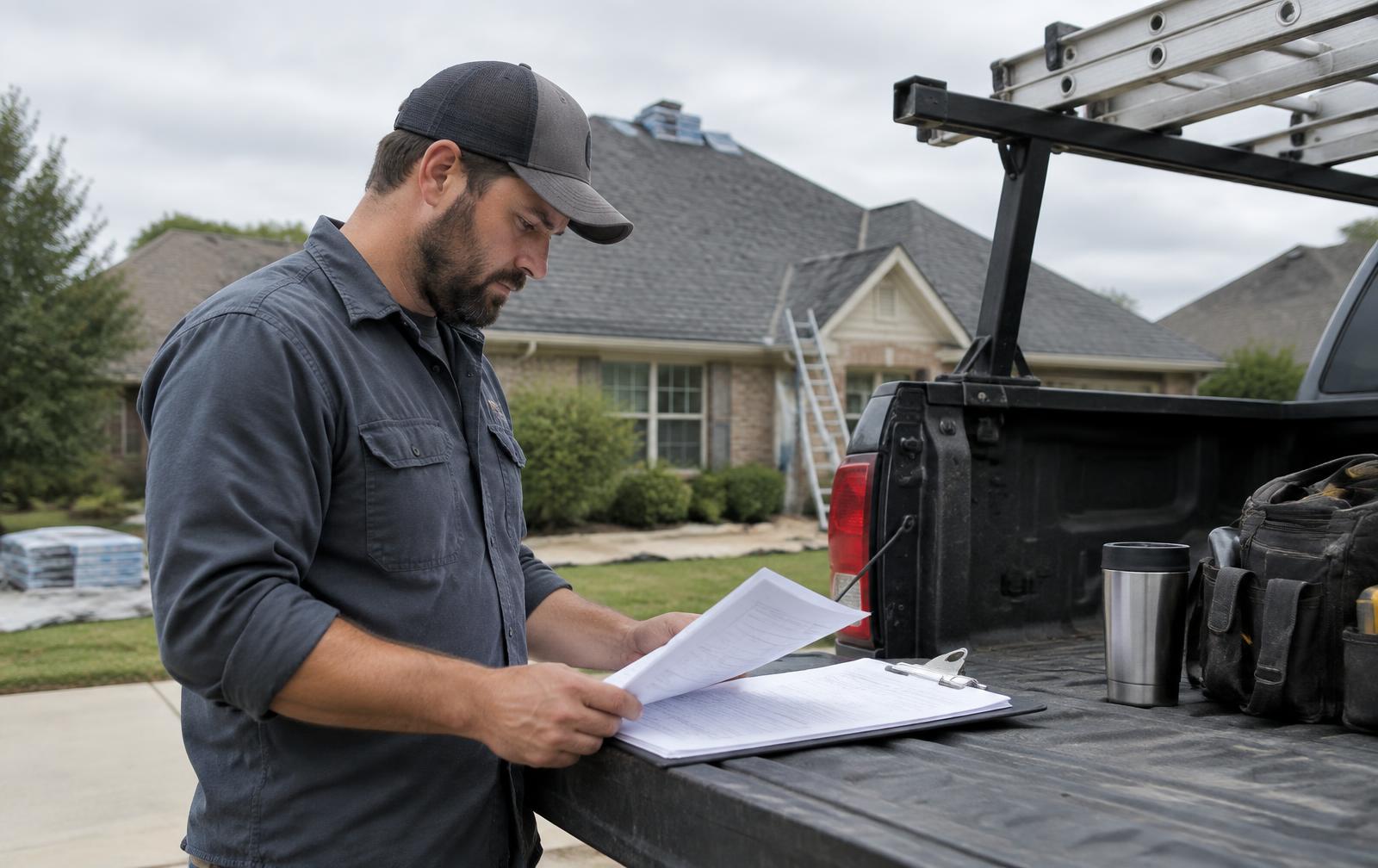
Placing roofing chat where it helps a visitor make contact
The chat widget sits on network-owned roofing sites as one of several ways a visitor can reach out, alongside the tracking phone number and the enquiry form — it's there to lower the effort of starting a conversation, not to replace those other paths.
Who actually opens a chat widget
Visitors who open a chat tend to fall into a few groups: someone comparing options who wants a quick answer before calling, someone who doesn't want to talk on the phone for a first contact, and someone browsing outside business hours who assumes a phone call won't be answered anyway. Each of these visitors is looking for a low-friction way to get a question answered or start a process, and the chat is positioned to meet that expectation without pretending to be a live person unless it actually is one.
- Chat is offered as one of multiple contact paths — phone, form, and chat — not as a replacement for calling.
- It's available outside business hours, when a phone call might otherwise go to voicemail or an after-hours mode.
- It's framed honestly as an AI-assisted chat so visitors understand what kind of conversation they're having.
What "helping a visitor make contact" actually means here
The chat's job is to move a visitor from browsing to a saved enquiry with enough detail for your team to act on — it isn't trying to fully resolve the visitor's roofing question inside the chat window itself. A good chat session ends with contact information and a problem description captured, even if the underlying roofing question still needs a human conversation to actually answer.
Picture a real evening on a network site. A homeowner in an accepted ZIP types that wind lifted several shingles near the ridge and asks what a repair costs. The chat explains that it cannot give a price, asks for the town, a phone number and a good time to talk, and offers a photo upload taken safely from the ground. If the visitor says water is now dripping into a bedroom, the chat marks the request as urgent so staff are alerted. A person can then switch the chat to human mode, the AI pauses, and your office answers in the same thread or by text. The visitor never receives an invented number, a promised time slot, or a warranty claim, and the lead is saved even if they close the window halfway through.
Limiting answers to approved service and coverage information
The chat is built to answer only from approved service and coverage information — what services are offered, what areas are covered, and general process questions — and it is explicitly kept from inventing prices, appointment times, warranties, or a specific roofer's name.
What the chat can speak to
- General services offered on that site (repair, replacement, inspection, and similar categories relevant to the territory).
- General coverage area, consistent with the site's actual territory.
- What happens after someone submits a request — that a team member follows up, not a specific promised timeframe the chat can't verify.
- How to describe a roofing problem clearly (what to look for, what photos help) without diagnosing the roof itself.
What the chat is built to never claim
No instant estimates or prices, no specific appointment time, no warranty claims, and no naming a specific roofing company — the sites are network-owned, and which roofer ultimately receives an enquiry depends on territory assignment under a written agreement, which isn't something the chat widget is positioned to disclose or guess at.
- No instant price or estimate, no matter how the question is phrased.
- No specific appointment time or date committed in the chat.
- No warranty terms, licensing claims, or insurance-related promises.
- No naming a specific roofer — the assigned company is a backend routing decision, not chat-visible information.
TEACHING DIAGRAM
Roofing chat enquiry path (illustrative example)
- 1Visitor opens chat
Asks about a service, coverage area, or general process.
- 2Approved answer or redirect
Chat answers from approved info, or redirects unsupported questions.
- 3Intake fields collected
Name, phone, ZIP/town, service, problem, urgency, preferred time, optional photo.
- 4Human handoff (if needed)
Staff can take over; visitor is told a person has stepped in.
- 5Delivered to CRM
Transcript, fields and photo delivered to the assigned roofer's CRM with a tracked status.
Collecting useful project details without overloading the visitor
The chat asks for name, phone, ZIP or town, the service needed, a description of the problem, urgency, and a preferred time to be contacted, plus an option to upload a photo — enough for your team to triage and follow up, without turning the chat into a long intake form.
The core fields
| Field | Why it matters to a first follow-up call |
|---|---|
| Name | Basic identification for the lead record and callback |
| Phone | Primary way your team reaches the visitor |
| ZIP / town | Confirms territory fit before routing |
| Service needed | Matches against the roofer's accepted service list |
| Problem description | Gives your team context before the first call |
| Urgency | Flags whether this needs a faster response |
| Preferred contact time | Reduces wasted first-call attempts |
| Photo upload (optional) | Ground-level or interior photos can help a team prepare, without the chat diagnosing from them |
Partial answers are still saved
A visitor who answers some questions and then leaves, or skips a field, doesn't get discarded — chat leads are saved even when incomplete, because a name and phone number with a rough problem description is still useful to a follow-up call, even without every field filled in.
Escalating pricing, availability and unsupported questions appropriately
When a visitor asks something the chat isn't built to answer — a price, a specific appointment slot, or anything outside its approved knowledge — it's designed to say so plainly and redirect toward capturing contact details or handing off to a person, rather than guessing.
Switching to human mode
Staff can take over a chat conversation at any point, and when that happens the visitor sees a clear message that a person has stepped in and the AI has paused — something like "A person from the team took over this chat. The AI is paused." From that point, staff can reply directly in the chat window or move the conversation to text, and the system alerts staff when a handoff is warranted.
- Unsupported questions (pricing, specific availability, warranty specifics) trigger a redirect to capturing contact info rather than a guessed answer.
- Staff can manually take over any conversation, pausing the AI and taking direct control.
- Visitors are told plainly when a human has taken over, so there's no confusion about who they're talking to.
- Alerts notify staff when a conversation needs attention, whether due to urgency or an unsupported question.
Why this matters for your team specifically
A chat that confidently answers a pricing question incorrectly creates an expectation your estimator then has to walk back on the first call, which is a worse starting point than if the chat had simply said it couldn't answer that and captured the contact instead. Scoping the chat's confidence to what it actually knows protects the credibility of whatever conversation happens next.
MODEL CALCULATOR
Hypothetical Chat-to-Job Model
A labeled, hypothetical model for estimating what chat enquiries could be worth. Every number is an assumption you set — this is not a measured or promised result.
- Modeled usable contacts (count)
- 7.2
- Modeled appointments (count)
- 3.2
- Modeled jobs won (count)
- 1
- Modeled revenue (US dollars)
- $7,776
This is a HYPOTHETICAL illustration only. Chat volume, contact rate, appointment rate and close rate are inputs you set from your own experience — none are published, measured, or guaranteed figures for any market.
Delivering chat enquiries with context to the right roofing company
Once a chat produces a usable enquiry, it's matched to a territory by ZIP and service and delivered to the one assigned roofer under a written agreement, carrying the full conversation context rather than just a stripped-down contact card.
What travels with the lead
- The full chat transcript or a structured summary of what was asked and answered.
- Any photo the visitor uploaded, where provided.
- Captured fields: name, phone, ZIP/town, service, problem, urgency, preferred time.
- The source page and site the chat happened on, for later attribution review.
Delivery mechanics follow the same path as other leads
Chat leads flow into your CRM through the same delivery options used for calls and form submissions — a generic webhook, a private Zapier app, native connections where actually connected and tested, or email/SMS fallback — with a status (queued, sent, delivered, or failed) tracked on every delivery attempt, retries with backoff, and a fallback alert so a failed push doesn't silently lose the lead.
Reviewing conversation quality and protecting account-specific information
Chat quality is something your team can review through the delivered transcripts over time, and on a multi-territory network, one roofing company's account details and service information never leak into another company's chat widget.
Reviewing what the chat actually said
Because every chat lead arrives with its transcript, your team can periodically review real conversations to check whether the chat is representing your services accurately, whether visitors are getting redirected appropriately on unsupported questions, and whether the intake fields are capturing what you actually need before a first call.
- Spot-check transcripts for accuracy against your actual accepted services and coverage area.
- Watch for patterns in unsupported questions that might warrant adding approved information for that account.
- Confirm photo uploads are reaching you in a usable format when provided.
Keeping one account's information separate from another's
Each chat widget is scoped to its own site and territory's approved information — services, coverage, and general process details specific to that account — and is not built to pull from or expose another roofing company's account configuration, pricing arrangement, or lead history. This separation is part of how the network supports multiple territories without cross-contaminating what one chat widget can say.
Hypothetical illustration: a chat-to-job estimate
HYPOTHETICAL EXAMPLE — not a projection: a roofer sets assumptions of 12 chat enquiries a month, a 50% rate at which those enquiries include a usable phone number, and a 25% close rate on the enquiries they do reach. Under those assumptions alone, roughly 1–2 jobs a month might originate from chat — but every one of those inputs is something you'd estimate from your own experience, not a figure this page measures or promises.
WORKSHEET
Chat Knowledge and Handoff Checklist
Review this before relying on a chat widget for a live territory.
0 of 8 checked
EXPLAINER VIDEO · 51 SECONDS
Watch a Roofing Website Chat Become a Lead
Narrated explainer with diagrams drawn for this page. No customer data or private screens are shown.
Video transcript
A homeowner on a network-owned roofing site opens the chat because water is coming through a ceiling. The chat asks for the service, the problem, the ZIP or town, how urgent it is, and a good time to talk. It never asks twice. When asked for a price, the chat says it cannot give one. It never invents prices, appointment times, warranties, or a roofer's name. Staff get an alert and can switch the chat to human mode. The AI pauses, and a person replies in the chat or by text. Even an unfinished chat is saved as a lead and matched by ZIP and service. Book a Roofing Market Review to see how chat would work in your market.
STRAIGHT ANSWERS
Questions roofers ask
What roofing information is the chat allowed to answer?
General service categories and coverage area for that site, and general process questions like what happens after someone submits a request. It does not give prices, appointment times, warranty terms, or name a specific roofing company.
Can chat enquiries reach our existing CRM with the conversation context?
Yes. Chat leads deliver through the same options used for calls and forms — a generic webhook, a private Zapier app, native connections where actually connected and tested, or email/SMS fallback — and can include the transcript or a structured summary plus any uploaded photo, not just the bare contact fields.
How do you keep one roofing company's information separate from another's?
Each chat widget is scoped to its own site and territory's approved service and coverage information. It isn't built to pull from or reveal another account's configuration, pricing, or lead history.
Does the chat ever give an instant price or estimate?
No. The chat is built to never invent prices, appointment times, warranties, or roofer names. Pricing and scheduling require a real conversation with a person who has current information.
What happens if a visitor asks something the chat can't answer?
The chat says it can't answer and redirects toward capturing contact details, or a staff member can take over the conversation directly. Visitors are shown a clear message when a person has taken over and the AI has paused.
Are incomplete chat conversations still saved as leads?
Yes. A visitor who stops partway through or skips fields still has whatever was captured saved as a lead record, rather than being discarded for being incomplete.
Is chat lead volume guaranteed for my market?
No. Chat lead volume, like every channel on this network, is reviewed per requested market and is never guaranteed. A Roofing Market Review covers what's currently available for a specific territory.
See what exists in your market
A Roofing Market Review is a short call. We check which ZIPs and services you want, whether a network asset or territory is open there, and which plan options would apply. No lead counts or results are promised.