CRM Integration
Roofing CRM lead delivery: what's actually connected
You keep your existing CRM. Rent Roofing Sites does not sell a CRM replacement — it generates leads from platform-owned sites and numbers, then delivers them into the CRM your team already uses, with a tracked status for every delivery attempt.
Connection methods are not all equal, and the exact status matters: a generic outbound webhook and a private Zapier app are available today. Jobber and HighLevel have a built native sign-in connection that needs confirming at onboarding. JobNimbus, HubSpot, and AccuLynx adapters are built but still in testing. Salesforce, ServiceTitan, and Roofr connect only through webhook or Zapier routes, because there's no native connector for them.
Every delivery — regardless of method — moves through the same lifecycle: queued, sent, delivered, or failed, with retries, an idempotency key to prevent duplicate pushes, a dead-letter queue for anything that can't be delivered automatically, and a fallback alert by email or SMS so a failed CRM push never silently loses a lead.
Before you rely on any connection for live leads, run the acceptance test described below. It's the fastest way to confirm your specific CRM setup actually receives, matches, and displays a lead the way your team expects.
Updated 2026-10-03. Terms, prices and availability are set by the written agreement for your market.
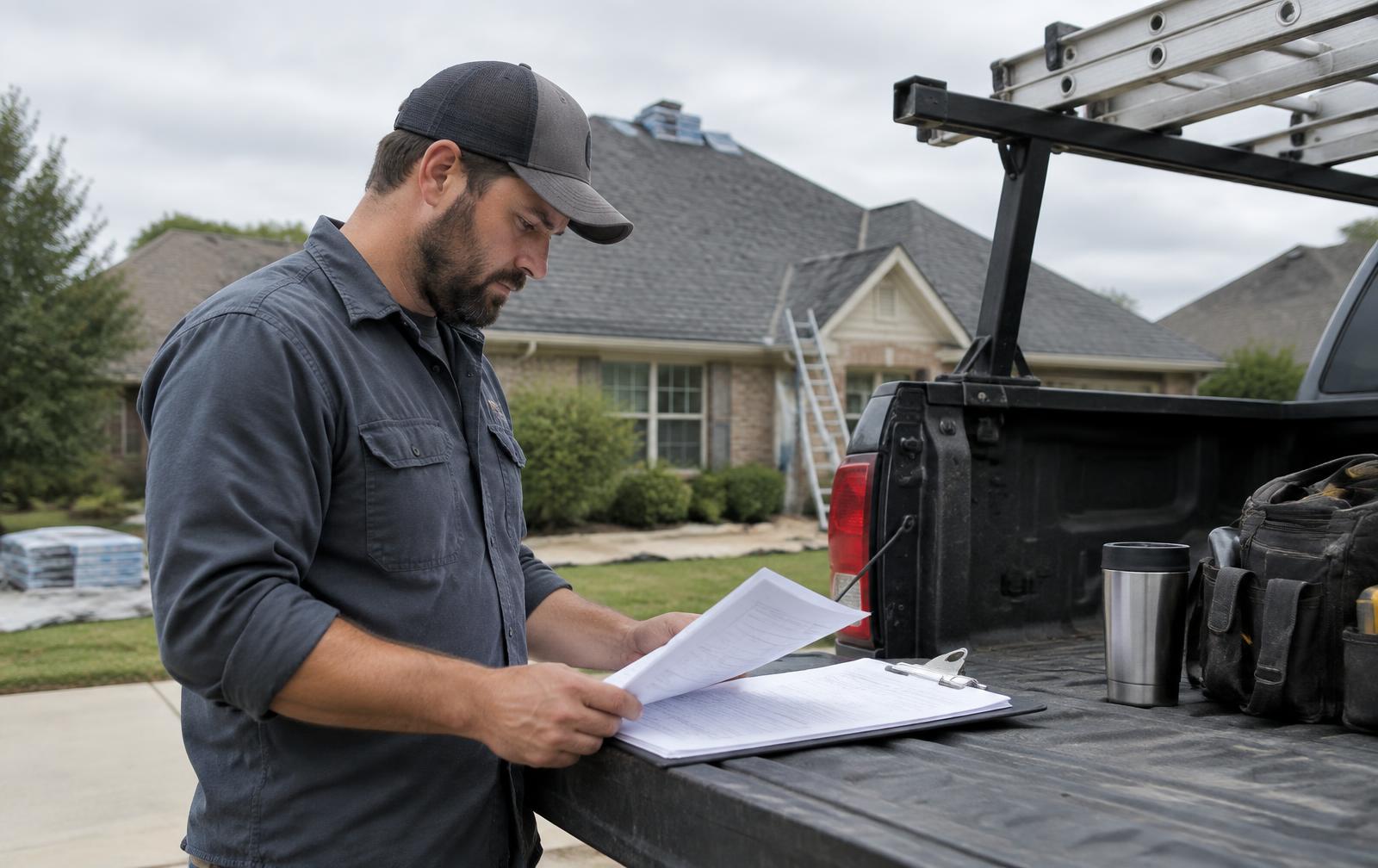
Receiving network-generated roofing enquiries in the CRM you already use
The leads originate on sites and numbers the network owns and operates, separate from your own website. When someone calls, fills out a form, or chats on one of those sites, the network captures the enquiry, matches it to your territory, and pushes it toward your CRM using whichever connection method is available and confirmed for your provider.
The provider you use determines how that delivery happens — not whether it happens. A generic webhook and a private Zapier app work today for essentially any CRM capable of receiving one. Where a deeper native connection exists, it adds structured field mapping and status feedback beyond a raw webhook payload.
Current provider connection status
| Provider / method | Status |
|---|---|
| Generic outbound webhook | Available |
| Zapier (private app) | Available |
| Email / SMS fallback | Available |
| Jobber | Native sign-in connection built; confirm during onboarding |
| HighLevel | Native sign-in connection built; confirm during onboarding |
| JobNimbus | API-key adapter built; in testing — confirm before relying on it |
| HubSpot | API-key adapter built; in testing — confirm before relying on it |
| AccuLynx | API-key adapter built; in testing — confirm before relying on it |
| Salesforce | Webhook/Zapier route only; no native connector |
| ServiceTitan | Webhook/Zapier route only, where accepted; no native connector |
| Roofr | Webhook/Zapier route only, where accepted; no native connector |
If your CRM isn't on this list at all, the webhook and Zapier routes still apply as long as your CRM (or an integration platform sitting in front of it) can accept an inbound webhook or a Zap trigger. Email and SMS fallback exist as a backstop for any provider, including ones with no API access at all.
Which contact, property, roof-problem and attribution fields matter
A lead record is only useful if the fields your estimator actually needs make it into your CRM in a usable shape. The network captures what the caller or form-filler provides — it cannot invent a property address or a problem description nobody gave it — and passes along whatever was collected.
Fields available when provided
- Name, phone, email
- Property address or ZIP
- Service requested and problem notes (leak, storm damage, tear-off, re-roof, etc.)
- Urgency
- Source site/domain and source page
- Territory and assigned roofing company
- Timestamp and a qualification summary
- Call recording link and transcript/AI summary, where permitted
- UTM/campaign metadata
- Appointment details, if one was booked
Not every lead will have every field populated — a quick call that drops before the caller gives an address will arrive without one. Fields that weren't provided are left blank rather than guessed, and your CRM mapping should treat a blank field as genuinely unknown, not as a data error.
| Intake field | CRM object | CRM field |
|---|---|---|
| Name, phone, email | Contact | Name / Phone / Email |
| Property address, ZIP | Property / Account | Address / ZIP |
| Service requested, problem notes, urgency | Opportunity / Job | Description / Priority |
| Source site, UTM metadata | Opportunity / Lead source | Lead source / Campaign |
Attribution fields (source site, source page, UTM/campaign metadata) travel with the lead so your team can see where it originated, but they describe the site and page the enquiry came from — not a guarantee of keyword-level marketing attribution, which isn't part of this delivery.
TEACHING DIAGRAM
Lead delivery path: intake to CRM
- 1Intake
Form or call captured on the source site; de-duplication runs
- 2Queued
Lead matched to territory and assigned company, queued for delivery
- 3Sent
Delivery attempt made via webhook, Zapier, native connection, or fallback
- 4Delivered / Failed
CRM acknowledges receipt (delivered) or returns an error (failed, triggers retry)
- 5CRM record
Contact, property, and opportunity/job fields populated per your field mapping
Separating contact creation from a confirmed lead delivery
Creating a contact record in your CRM and confirming that a lead was actually delivered are two different events, and conflating them hides failures. A delivery can create a contact and still fail to attach the opportunity details, or it can be accepted by your CRM's API but rejected for a validation reason you only see in the status log.
The delivery lifecycle
- Queued — the lead has been captured and is waiting to be sent
- Sent — the delivery attempt has gone out to your CRM or connection method
- Delivered — your CRM has acknowledged receipt (provider response or external record ID is logged)
- Failed — the attempt did not succeed, and the system moves to retry logic
Every delivery attempt is timestamped and carries the provider's response or an external record ID when one is returned, so you can trace a specific lead back to the exact CRM record it created, not just confirm something was sent.
Your portal shows simple connection health — essentially whether your CRM connection is working — so a non-technical user can see at a glance if something needs attention, without reading raw status logs. If you want the detail, the full queued/sent/delivered/failed history for each lead is there too.
This separation matters most when something goes wrong partway through: a contact might get created by your CRM's own matching logic even while the opportunity or job details fail to attach, and without a distinct delivery status you'd have no way to know the record is incomplete.
Avoiding duplicate customers while preserving separate roofing projects
A returning homeowner — someone who called about a repair last year and is calling again now about a full replacement — creates a real tension: you don't want two duplicate contact records for the same person, but you also don't want their second, separate project buried inside the first one as if nothing new happened.
The network de-duplicates enquiries before they're delivered, matching on details like name, phone, and address where available, so the same enquiry isn't delivered twice because of a double form submission or a repeat call within a short window. That de-duplication happens on the network side, before delivery.
What de-duplication is and isn't
- It prevents the same single enquiry from being delivered more than once (e.g., a form double-submit)
- It does not merge two genuinely separate enquiries from the same person into one project
- Your CRM's own contact-matching logic still applies on top of this — most CRMs will match an existing contact by phone or email automatically
- A new project for an existing contact should create a new opportunity/job record, not overwrite the old one
| Event | Contact handling | Opportunity handling |
|---|---|---|
| First call about a repair (month 1) | New contact created | New opportunity created |
| Second call about a replacement (month 14) | Matched to existing contact | New, separate opportunity created |
If you ever see what looks like a true duplicate — the same enquiry delivered twice with no new information — that's worth flagging, since it points to either a de-duplication gap or a retry that should have been caught by the idempotency key described in the next section.
Recovering from expired connections, rejected fields and outages
CRM connections break for mundane reasons: an API key expires, a field a lead delivery tries to populate gets renamed in your CRM, or your CRM has an outage on its end. None of those should mean a lead simply vanishes, and the delivery system is built around that assumption.
How failure recovery works
- Retries with exponential backoff — a failed attempt is retried automatically, with increasing delay between attempts, rather than hammering a down endpoint
- Idempotency keys — each delivery attempt carries a unique key so a retry can't accidentally create a duplicate record if the original attempt actually succeeded silently
- Dead-letter queue — a lead that exhausts its retries lands in a dead-letter queue for manual review and retry, instead of being dropped
- Fallback alert — if the CRM push keeps failing, an email or SMS alert goes out so a human knows to act, and the lead details are available through that fallback channel
A rejected field — say, your CRM requires a value in a field the lead didn't supply — triggers a failed status with the provider's rejection reason attached where the provider returns one. That's diagnostic information you or your onboarding contact can use to fix the mapping, not a dead end.
| Time | Event |
|---|---|
| T+0 | Delivery attempt sent, CRM returns an error |
| T+1 min | Automatic retry #1 (backoff) |
| T+5 min | Automatic retry #2 (backoff) |
| T+20 min | Retries exhausted; lead moved to dead-letter queue |
| T+20 min | Fallback email/SMS alert sent with lead details |
Your portal's connection-health indicator is the fastest way to notice a problem before it accumulates. Checking it periodically, rather than only after a customer mentions a lead you never saw, catches most of these issues early.
Running a roofer-side acceptance test before going live
Before you let leads start flowing into a live CRM workflow your team depends on, run a short acceptance test. It takes a connection from "should work" to "confirmed working with your specific setup," and it's the single best way to catch a field-mapping or status issue before it affects a real customer enquiry.
Acceptance test steps
- Confirm which connection method applies to your CRM (webhook, Zapier, native connection, or fallback) and its current status
- Submit a clearly-marked test enquiry (form or call) through the relevant site, so it doesn't get mistaken for a real customer
- Check your portal for the delivery status: queued, sent, delivered, or failed
- Confirm the test record arrived in your CRM, and check that the fields mapped where you expect
- Intentionally submit a second test with the same name/phone to confirm your contact-matching behaves as expected
- Confirm who on your team receives the fallback alert if a delivery fails, and that they know what to do with it
- Document the test result and date, so you have a record of when the connection was last verified
Re-run the acceptance test any time you change CRM providers, update field mappings, or get an alert that a connection has failed repeatedly. A connection that worked at onboarding can still break later if your CRM changes its API or your team edits a required field on their end.
If a provider is listed as in testing in the status table above, ask explicitly whether it's ready for your go-live date, and have a fallback (webhook, Zapier, or email/SMS) ready as backup regardless of the answer.
WORKSHEET
CRM handoff checklist
Work through this with whoever owns your CRM before you go live.
0 of 8 checked
EXPLAINER VIDEO · 54 SECONDS
Your Existing CRM, Our Roofing Leads: A Complete Handoff
Narrated explainer with diagrams drawn for this page. No customer data or private screens are shown.
Video transcript
You do not need to replace your CRM. We deliver network leads into the system you already use. Webhooks and our Zapier app are available now. Jobber and HighLevel connections are built and confirmed during setup. JobNimbus, HubSpot, and AccuLynx are still in testing. Every delivery has a status: queued, sent, delivered, or failed, and we save the record ID your CRM sends back. If your CRM rejects a lead or a connection expires, we retry, and a backup email or text goes out. The lead stays safe in the network. Before going live, we send a test lead together and check the fields and duplicate matching. Then delivery is switched on.
STRAIGHT ANSWERS
Questions roofers ask
Do I need to replace my roofing CRM to receive leads?
No. Rent Roofing Sites delivers leads into the CRM you already use, using a webhook, a Zapier app, a native connection where one is built and confirmed, or email/SMS fallback. There's no requirement to switch systems or adopt a new CRM to receive leads.
How do you prevent a repeat homeowner from becoming duplicate contacts?
The network de-duplicates enquiries before delivery, and most CRMs match an existing contact by phone or email on their own. A genuinely new project from an existing contact should create a new, separate opportunity rather than overwrite or merge into the old one.
What will I receive if my CRM connection stops working?
Failed deliveries retry automatically with increasing delay, and anything that still fails after retries goes to a dead-letter queue for manual review. You also get an email or SMS fallback alert so the lead details reach you even if the CRM push itself never succeeds.
Is Salesforce supported?
There's no native Salesforce connector. Salesforce leads are delivered via a webhook or Zapier route, which works but requires your Salesforce setup (or a tool like Zapier) to receive and map the inbound data on your end.
What's the difference between Jobber/HighLevel status and JobNimbus/HubSpot/AccuLynx status?
Jobber and HighLevel have a native sign-in connection that's built but needs confirming at onboarding, since it hasn't been connected by a roofer in production yet. JobNimbus, HubSpot, and AccuLynx have API-key adapters that are still in testing, so confirm their status before relying on them for live leads.
Can leads arrive by email or text instead of a CRM push?
Yes. Email and SMS fallback is available as a delivery method on its own, or as a backup when a CRM push fails, so it's useful both for CRMs with no API and as a safety net for any connection.
How do we know a delivery actually worked and wasn't just sent?
Check the delivery status in your portal. A status of delivered means your CRM acknowledged receipt, with a provider response or record ID logged. A status of sent without delivered means the attempt was made but hasn't been confirmed yet, and failed means it needs attention.
See what exists in your market
A Roofing Market Review is a short call. We check which ZIPs and services you want, whether a network asset or territory is open there, and which plan options would apply. No lead counts or results are promised.