Lead to job
Every lead keeps its source and territory as it moves.
- Lead page with Call, Text, Email buttons
- Book appointments from the lead
- Create a job in one tap, never a duplicate
- Stage history can't be edited

ROOFER BACK OFFICE
Most roofing software begins when you type in a customer. Ours begins one step earlier: the territory, the site, and the call that brought them.
The Roofer Back Office comes with a rented territory. It holds leads, calls, appointments, a 16-stage job board, a pricebook, Good/Better/Best estimates, homeowner e-sign, and invoices. Online card payments and real message sending are not live yet.
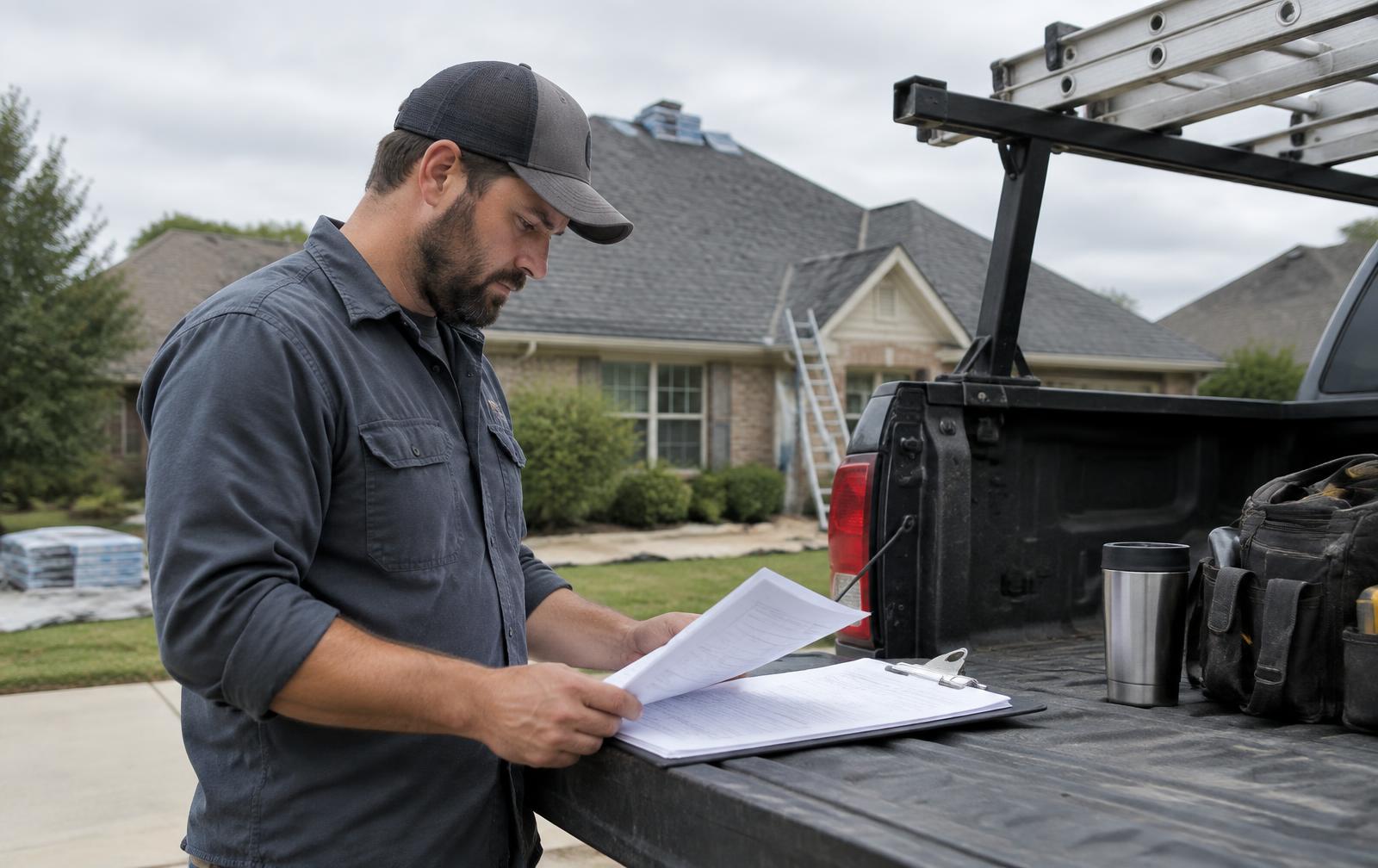
Every lead keeps its source and territory as it moves.
The money trail stays in one file.
What we won't pretend.
FROM THE FIELD
Sample data: James Carter calls. The lead lands in the Back Office. The office books an inspection, builds a Better option at $13,500, sends the homeowner link, and he signs. The job moves to Sold and the money trail shows the estimate, signature, and invoice.
REAL PLATFORM VIEW
This screenshot comes from the actual Roofer Back Office in a labeled sample account. It is not an AI-made dashboard. Sample names and 555 phone numbers are used; no real homeowner data appears.
See the Platform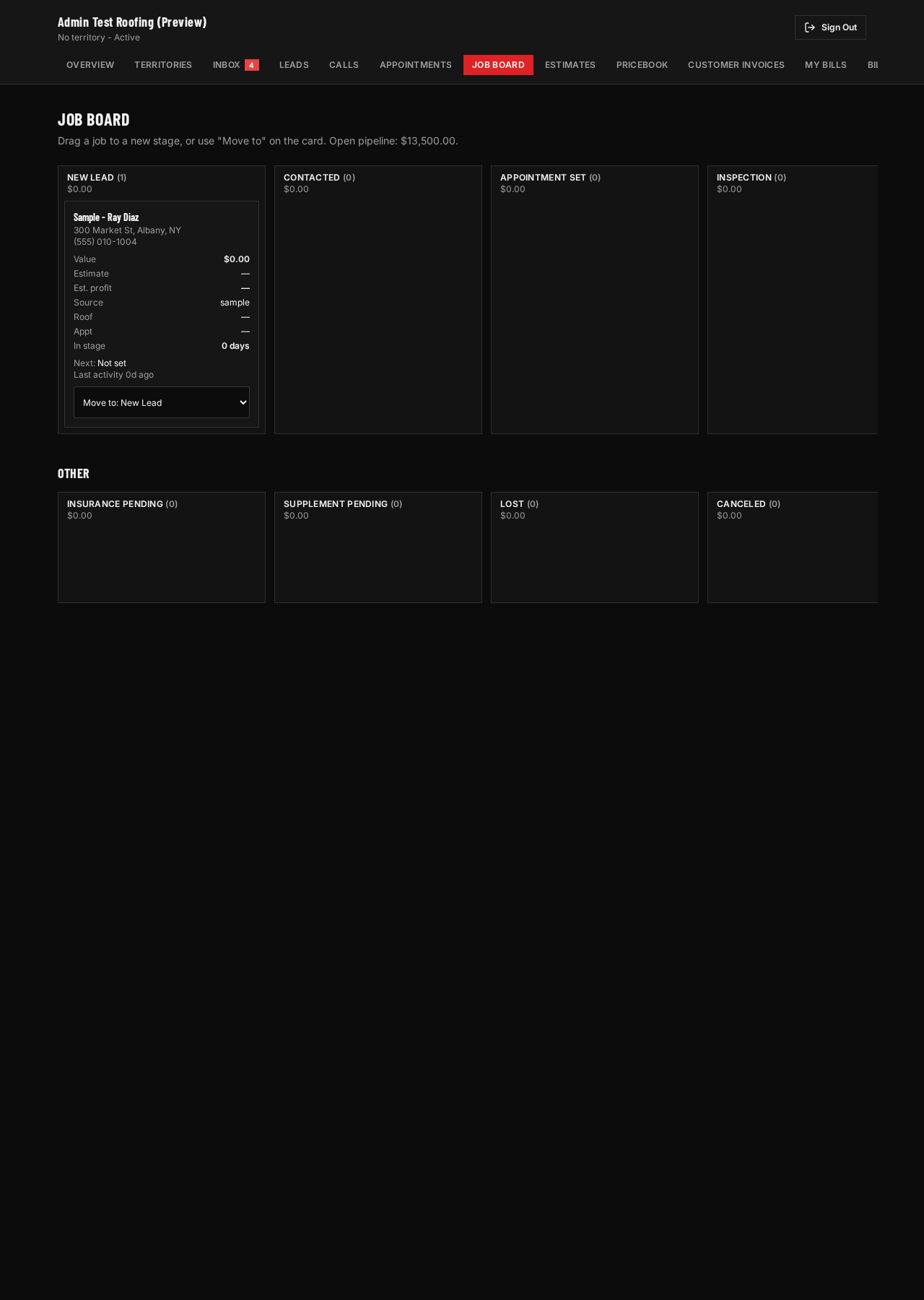
EXPLAINER VIDEO
Licensed stock narration. Real roofing context. Real platform screens with labeled sample data.
Most roofing software begins when you type in a customer. Ours begins one step earlier: the territory, the site, and the call that brought them. The Roofer Back Office comes with a rented territory. It holds leads, calls, appointments, a 16-stage job board, a pricebook, Good/Better/Best estimates, homeowner e-sign, and invoices. Online card payments and real message sending are not live yet. Every lead keeps its source and territory as it moves. The money trail stays in one file. What we won't pretend. Sample data: James Carter calls. The lead lands in the Back Office. The office books an inspection, builds a Better option at 13,500, dollars sends the homeowner link, and he signs. The job moves to Sold and the money trail shows the estimate, signature, and invoice. Here is how it works with us. You rent a territory. Calls and forms from a network-owned site route into your Roofer Back Office. Each lead keeps its source. From the lead page you can book the inspection, build an estimate from your own pricebook, and follow the job to revenue. The screen you see is the real Back Office with labeled sample data. A lead is not a sold job, and we do not promise one. Check My Territory to see if your market is open.
STRAIGHT ANSWERS
The Back Office comes with territory access. It is not sold alone today.
Yes. Each roofing company sees only its own leads and jobs. The database blocks the rest.
CHECK MY TERRITORY
Enter the main ZIP you want to work.