Independent resource. We are not affiliated with or endorsed by Leap.

HEADING TO LEAP?

Leap Login: Sign In, Then Count Appointments to Close

Go to Official Leap Login ↗

Opens login.leaptodigital.com in a new tab. Checked 2026-10-04. Always confirm the address before entering your account information.

Sales software helps your team close. What is filling their appointment slots?

Software runs the work. Distribution feeds it.

Keep Leap. Explore a roofing territory as a separate source of new homeowner inquiries.

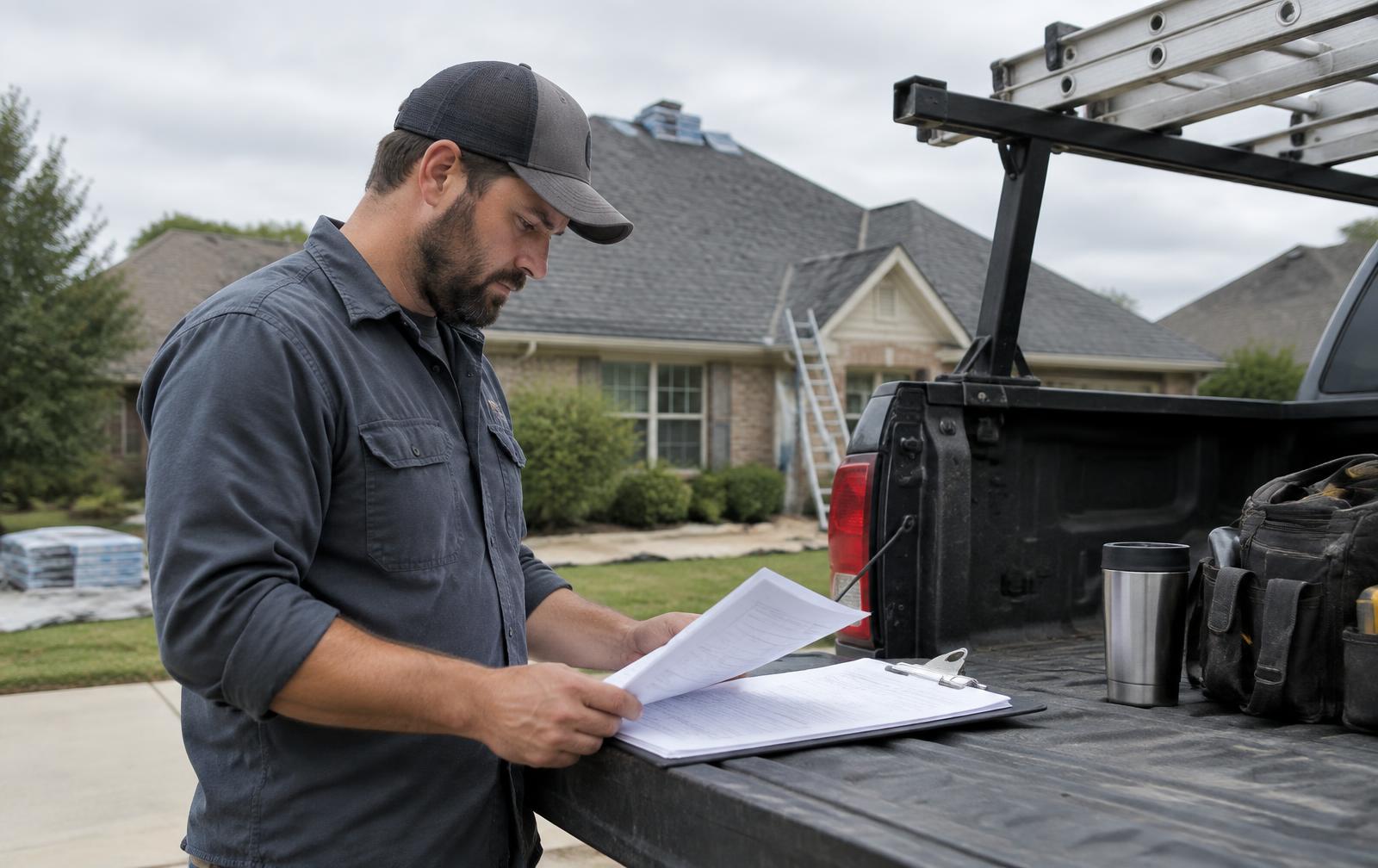
Roofing company owner reviewing upcoming work and customer inquiries

BEFORE YOU SIGN IN

Before you sign in: how many sales appointments could your team take next week?

01Local search
02Territory inquiry
03Assigned roofer
04Sales appointment
05Leap sales workflow
06Closed or lost decision
Fill My Sales Calendar

VERIFY BEFORE YOU SIGN IN

Login steps — not a vendor screenshot

The Leap sign-in screen could not be captured reliably from a public browser. This is our own sign-in safety guide, not a screenshot or an account form.

Open the official source ↗

WORK WITH YOUR NUMBERS

Sales team capacity gap

Enter your own figures to see unused appointments. We do not guess your market's numbers.

Planning math only. No guaranteed calls, rankings, appointments, jobs or return.

How to sign in to Leap

On a computer

  1. Use the official Leap SalesPro dashboard link above. Leap has more than one product; your organization's CRM sign-in may differ.
  2. Confirm leaptodigital.com in the address bar before typing credentials.
  3. If the link is not the product your team uses, start from Leap's own website or ask your administrator for the correct account link.

On your phone

  1. Use Leap's own mobile app, if your account includes one, from its verified App Store or Google Play listing.
  2. If your team uses a mobile browser instead, open the same official link and follow its prompts.
  3. Never enter your software password on this independent guide.

Password or account help

  1. Use the reset or help option on Leap's official sign-in page.
  2. Check that the browser address belongs to leaptodigital.com before entering any account information.
  3. Ask your company's account administrator or Leap support if access still fails. Rent Roofing Sites cannot reset your software account.

DIFFERENT JOBS

Your software runs the work. Our territory site brings a separate inquiry path.

Leap (your software)

  • SalesPro estimates and proposals
  • Sales process and contracts
  • Separate Leap CRM workflows

Rent Roofing Sites (your demand)

  • Network-owned territory site and tracking number
  • Calls and forms tied to a source
  • Lead qualification and duplicate checks
  • Routing to the assigned roofer
  • CRM delivery where configured, with a fallback alert

How a lead reaches Leap

  1. 1Local search
  2. 2Territory inquiry
  3. 3Assigned roofer
  4. 4Sales appointment
  5. 5Leap sales workflow
  6. 6Closed or lost decision

These are separate roles, not a claimed native integration. Ask us which handoff methods are supported for your setup.

01

A strong closer needs a real appointment

Leap SalesPro supports the sales appointment with estimates and proposals; Leap also has a separate CRM product. If a rep has open slots, the relevant question is not how many proposals the software could create. It is how many qualified homeowner conversations can become visits in your actual coverage area.

Work backward from reps and weekly appointment capacity. Then compare the number of qualified visits you already book. The difference is open capacity, not a promise that a new site can fill it.

02

Capacity is not the same as demand

The calculator below uses your rep count, appointments per rep, scheduled visits and close rate. Enter observed numbers if available. It reveals a possible gap and a hypothetical sold-job range; it does not estimate market demand or price a job for you.

If salespeople are fully booked but close few jobs, examine qualification and sales execution. If they close well but have unused days, examine how new roofing prospects find you. These are different fixes and may require different budgets.

  • Appointments per rep after travel
  • Qualified visits, not form submissions
  • Close rate from your records
  • Keep an explicit unknown when you lack data
03

Keep Leap for selling

Our team does not replace Leap, finance homeowners, or write your contracts. Ask about an available handoff route before relying on any integration; a native Leap adapter is not promised.

No lead volume, search ranking, CRM connection or closed job is guaranteed. The network owns the site and phone; a roofer rents access under a written territory agreement. Check supported delivery methods with your team before connecting software.

SIDE BY SIDE

The sales conversation starts before the estimate

QuestionLeapRented territory
Rep's next stepPrepare and present an estimateFind and route a new roofing inquiry
Unused capacityVisible in your sales scheduleDemand test may help, no appointments guaranteed
ConversionYour team sets and measures its close rateOur network does not promise closed deals
System of recordLeap for the sale and jobHub for source and lead handoff

This is our independent comparison, not an official Leap feature list. See leaptodigital.com for current product details.

CHECKLIST

What should happen before a lead hits Leap?

  • Count available rep hours. Start with real appointment capacity after drive time.
  • Count qualified visits. Do not call every form fill an appointment.
  • Separate closing and sourcing. A stronger pitch cannot fix missing inquiries; more inquiries cannot fix poor follow-up.

Keep Leap. Look at a roofing territory alongside it.

See whether a separate local source makes sense for your actual coverage, capacity and budget. No lead count is promised.

STRAIGHT ANSWERS

Leap login questions

What is the official Leap login?

Use https://login.leaptodigital.com/. This independent page does not collect Leap credentials. Check the address bar before entering your account information.

Is this Leap's website or support desk?

No. Rent Roofing Sites is independent and is not affiliated with or endorsed by Leap. Account help belongs with Leap or your company's administrator.

How do I recover my Leap account?

Use the reset or help option at https://login.leaptodigital.com/; your company administrator or Leap support can help if that fails. We cannot change your account.

Does Leap create roofing demand for me?

Leap includes sales and CRM tools; a contractor still needs to evaluate its actual sources of new homeowner inquiries and appointments.

Do I need to replace my current software?

No. Keep Leap for the work it does. Our network focuses on territory sites, tracked leads and delivery; confirm a supported delivery method for your specific setup.

Are territory results guaranteed?

No. Rankings, calls and sales depend on your market and follow-up. Review your actual market and agreement before making a decision.

CHECK MY TERRITORY

Start with the ZIP that matters.

Enter the main ZIP you want to work.

Check My Territory ↑

Leap is a trademark of its owner, used here only to name the product. Updated 2026-10-04.